

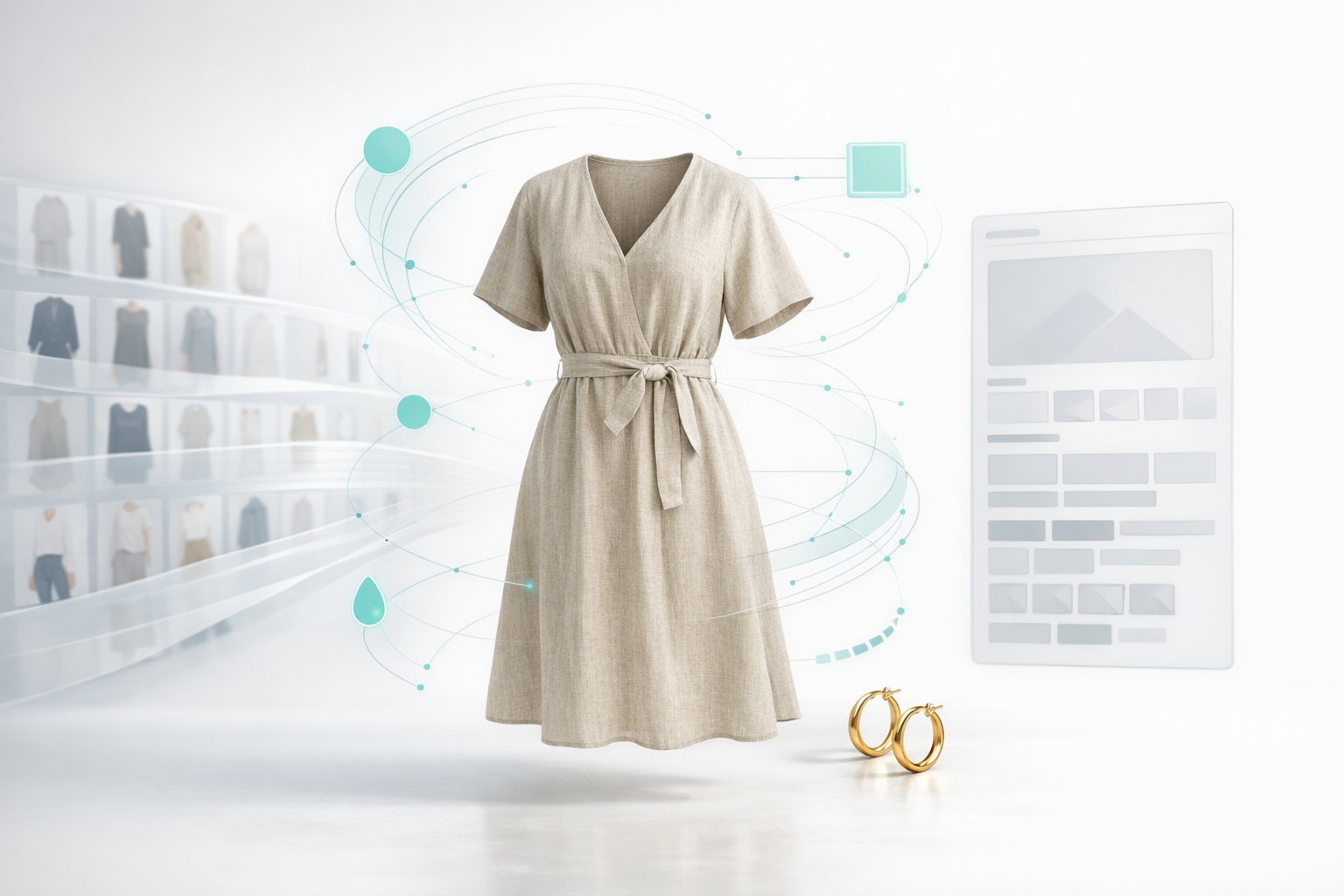
AI shopping assistants now gate fashion discovery
For fashion ecommerce, AI shopping assistants decide what to recommend by reading structured product attributes—fabric, fit, length, price, availability—not just keywords or pretty photos. The brands that consistently publish rich, machine-readable data for every SKU are the ones that show up in AI-driven shopping results.
This shift is already here. Shopify reports that AI-referred orders grew nearly 13x year over year in Q1 2026, and those visitors convert at almost 50% higher rates than organic search visitors (Shopify). Salesforce data shows AI-influenced retail sales reached roughly $262 billion in the 2025 holiday season—around 20% of all transactions.
For apparel and jewelry brands, that means discovery now depends on whether every dress, ring, and bracelet has accurate attributes behind the image. If an AI agent can’t quickly confirm fabric, fit, price range, and availability from your data, it will quietly recommend a competitor whose catalog is better structured.
Why most Shopify fashion catalogs are invisible to AI
Most Shopify fashion teams still run on painful manual workflows. Product information arrives in supplier CSVs, merchandisers clean it up in spreadsheets, paste details into Shopify, add tags and metafields, and then some other team (or stressed-out individual) double-checks everything. At many brands this adds up to more than two hours of work per SKU.
Now imagine a season with 500 new styles. That’s 1,000+ hours just to get products live. Under that pressure, teams prioritize hero products and let everything else go live with thin descriptions, missing alt text, and almost no structured attributes. To AI systems, those products might as well not exist.
Consider what happens when a shopper asks an assistant, “Show me a lightweight halter-style linen dress for a beach wedding under $200.” If your data only says “blue dress,” the agent can’t tell whether your product matches. It will favor a competitor whose SKU is tagged with fabric, weight, length, neckline, fit, occasion, and price—all as machine-readable attributes.
Every incomplete field quietly depresses discoverability. You may be spending more on ads, SEO, and creative than ever while AI channels simply skip over your catalog because the underlying data is too sparse or inconsistent to trust.
What rich, AI-ready fashion product data actually looks like
Rich, AI-ready product data starts with complete, structured attributes for every SKU. For a dress, that might include garment type, silhouette, fabric, weight, stretch, neckline, sleeve length, hem length, pattern, color, closure, whether it is backless, and for what occasion is it most appropriate. For a ring, it’s metal, finish, stone type, stone shape, carat range, setting style, band width, and sizing.
AI channels reward this level of detail. One Shopify analysis of AI readiness emphasizes “clean, complete, and machine-readable” product data as a core pillar of visibility in AI channels (Shopify). The more consistently you fill these attributes, the easier it is for agents to match your products to natural-language prompts.
Practically, that means aiming for near-100% coverage of the attributes that matter for each category. For example, you might set a target that 98% of dresses include fabric, fit, neckline, sleeve length, length, pattern, and occasion, while 98% of necklaces include material, finish, chain length, clasp type, pendant style, and occasion.
On top of attributes, AI-ready data includes structured search tags, high-quality image alt text, and descriptions that reflect real shopper language. A product titled “Linen wrap midi dress with cap sleeves” and tagged “lightweight,” “holiday,” and “resort wear” will surface far more often than one called simply “Summer Dress.”
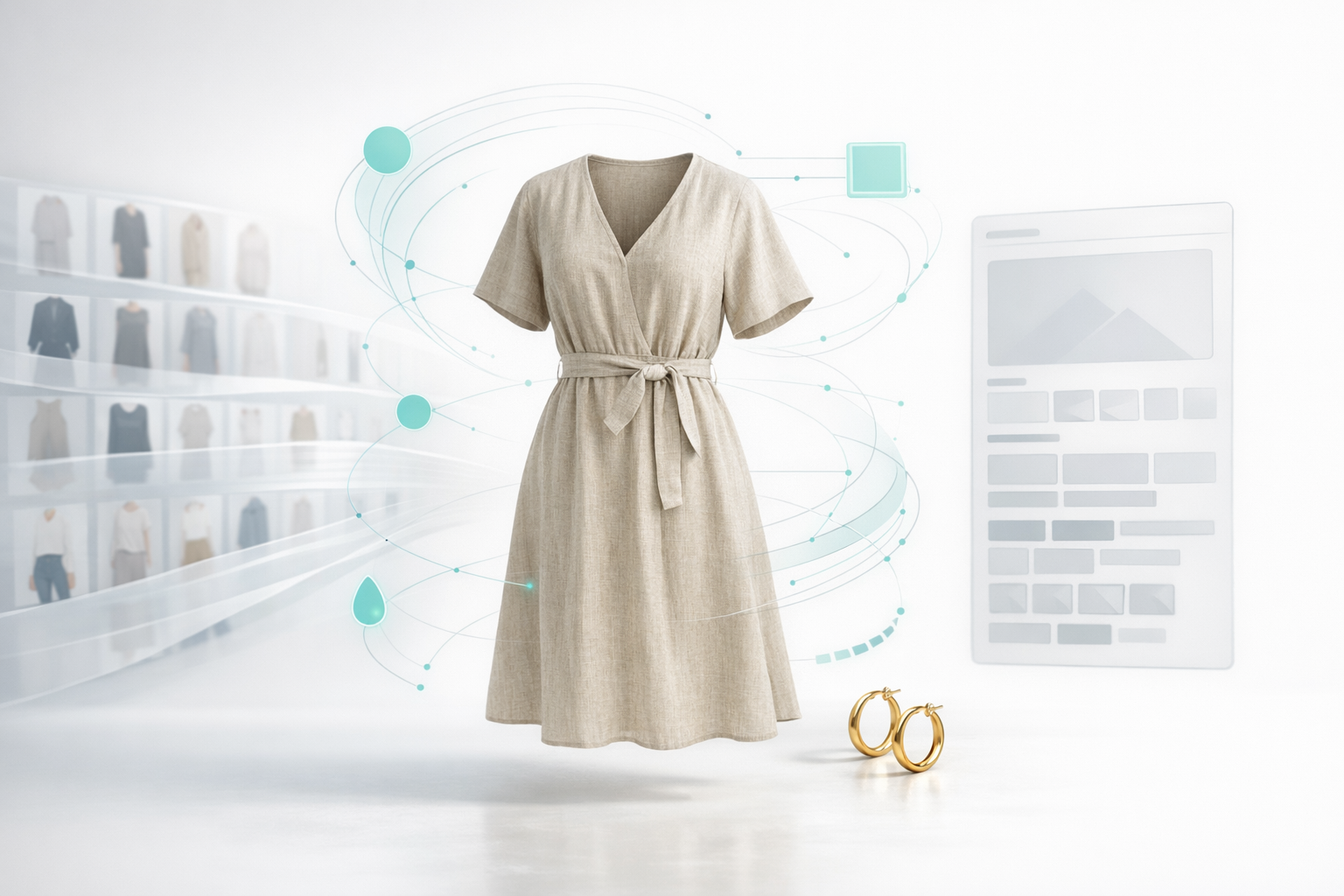
Image-to-attributes AI: turning photos into structured data
Manual data entry can’t scale to this level of richness. Many teams tried generic generative AI to help, but large language models only work with the data they’re given. If your input says “blue dress,” the model will guess the neckline or sleeve type, leaving your team to proofread and fix hallucinations later.
Catecut takes a different approach by using custom computer vision models trained specifically on fashion and jewelry. Instead of guessing, it reads design details directly from your product images—garment type, fabric, fit, neckline, sleeve style, pattern, embellishments, clasps, stone type, and more—and maps them into a fashion-specific ontology.
Imagine uploading a single front-on photo of a dress. Catecut identifies it as a linen wrap midi dress with a V-neckline, cap sleeves, and a tie waist, in a relaxed fit. From there, it can generate a structured title, bullet points, discovery tags, metafields, and alt text that all align with your brand’s tone and formatting rules.
The real KPI isn’t how clever the AI sounds—it’s how consistently the right attributes are populated for each category. By automating attribute extraction from images, Catecut lets teams reach near-100% coverage across thousands of SKUs without adding headcount.
Run a 7-day test for free to measure Catecut's impact
You don’t have to take any vendor’s word for it. A simple 7-day experiment on Shopify can show you exactly what rich product data is worth in your own store. Start by choosing a representative sample across categories: for example, 20 dresses, 10 shirts, 10 pants, and 10 necklaces or rings.
First, run those 50 SKUs through your current process. Track how long it takes to clean the CSVs, enrich attributes, write descriptions, fill in alt text, and publish. Many fashion teams find this averages around two hours per SKU once reviews and fixes are included.
Next, run the same set through Catecut. Because attributes are predicted directly from images and pushed back into Shopify automatically, teams often see time per SKU drop to around 20 minutes. Over a season with 500 new SKUs, that shift—from 2 hours to 20 minutes—effectively unlocks the equivalent of a full-time role during peak.
Then compare attribute coverage and performance. How many SKUs now have complete information for fabric or material, fit, neckline or stone type, length or chain length, pattern, and occasion? Track organic search impressions, onsite search engagement, AI agent referrals, and add-to-cart rate for Catecut-enriched products over the following days.
Operational steps to future-proof your PDP workflow
To turn this into a durable advantage, you need a repeatable workflow—not a one-off experiment. On Shopify, that starts with installing the Catecut app, connecting your store, and walking through the brand setup so the AI understands your tone, structure, and merchandising priorities.
In the setup flow, you define the sections of your product detail pages and the rules for each. For example, you might specify bullet points for key product details, a single concise line for fit, and a fuller narrative description. You can tell Catecut to always lead with fabric and fit, avoid certain phrases, or follow a specific order of information.
Before you roll this out broadly, generate examples on a handful of SKUs and review them side by side with your current pages. Adjust rules until the AI mirrors your brand voice and merchandising choices. If different categories need different content—say, dresses versus shoes versus fine jewelry—you can create separate setups so each category gets attributes and copy tailored to what matters most.
From there, you can treat rich, AI-ready product data as part of your standard launch checklist. Every new SKU flows from images into structured attributes into branded, on-page content with minimal manual effort. As AI shopping assistants and agentic commerce channels continue to grow, your catalog will already be in the format these systems trust and reward.
Related Posts

Catecut for Shopify: Turn Images into High-Converting PDPs
How better product data wins shoppers
Better product data for fashion ecommerce means having...
%20(Blog%20Banner)1.png?width=400&upsize=true&name=Shopify%20Catecut%20(300%20x%20175%20px)%20(Blog%20Banner)1.png)
Catecut releases new Shopify app, raises pre-seed round
Reykjavik, Iceland (21 July 2026)-- Iceland-based Sowilo ehf., announced it has released its...